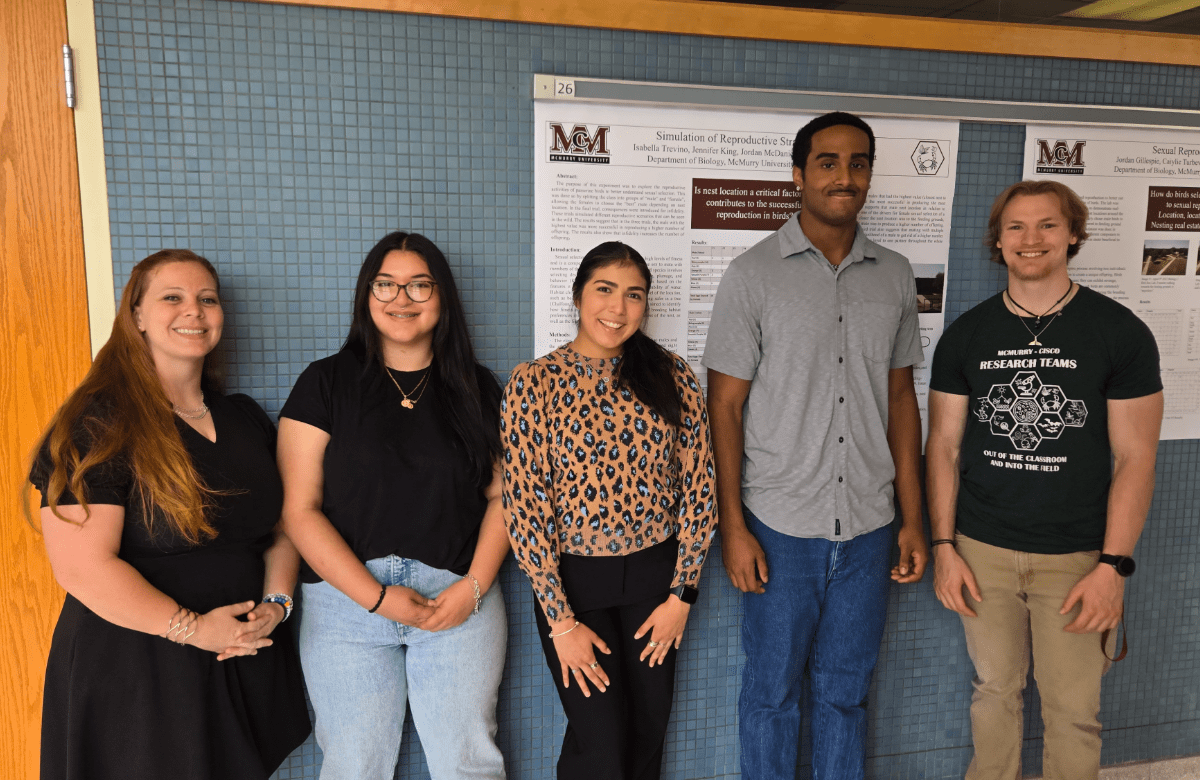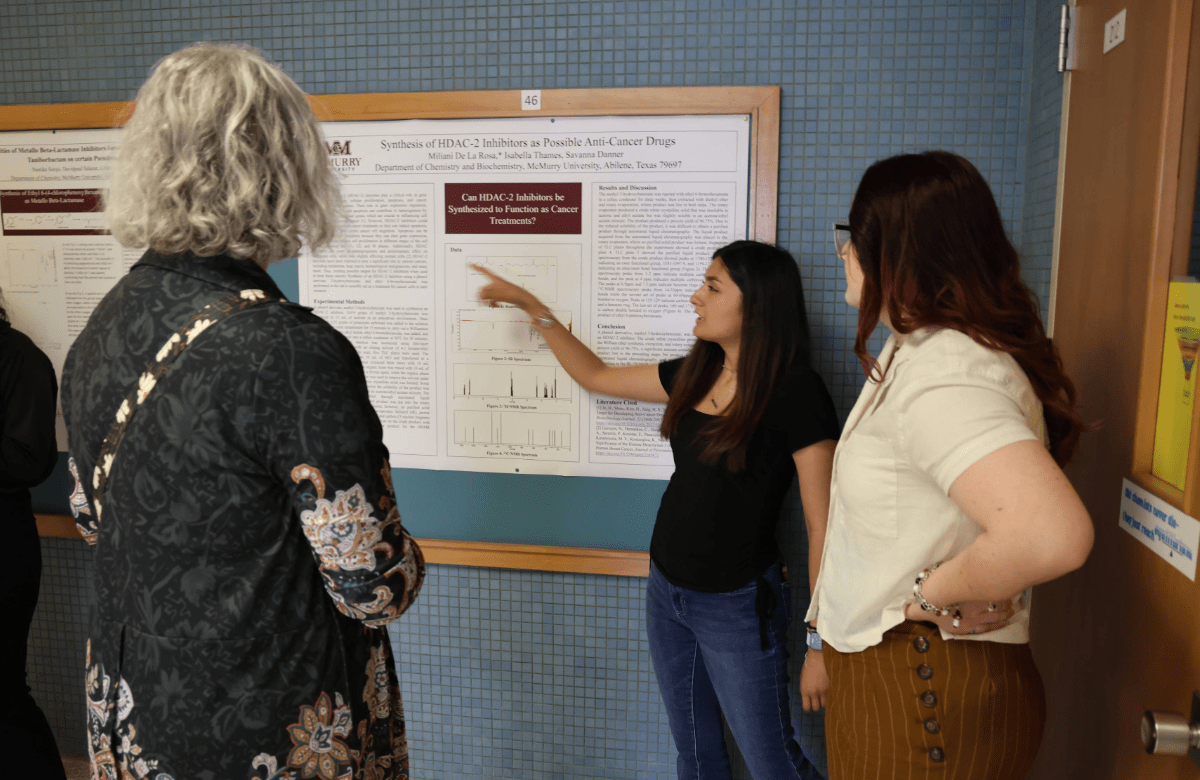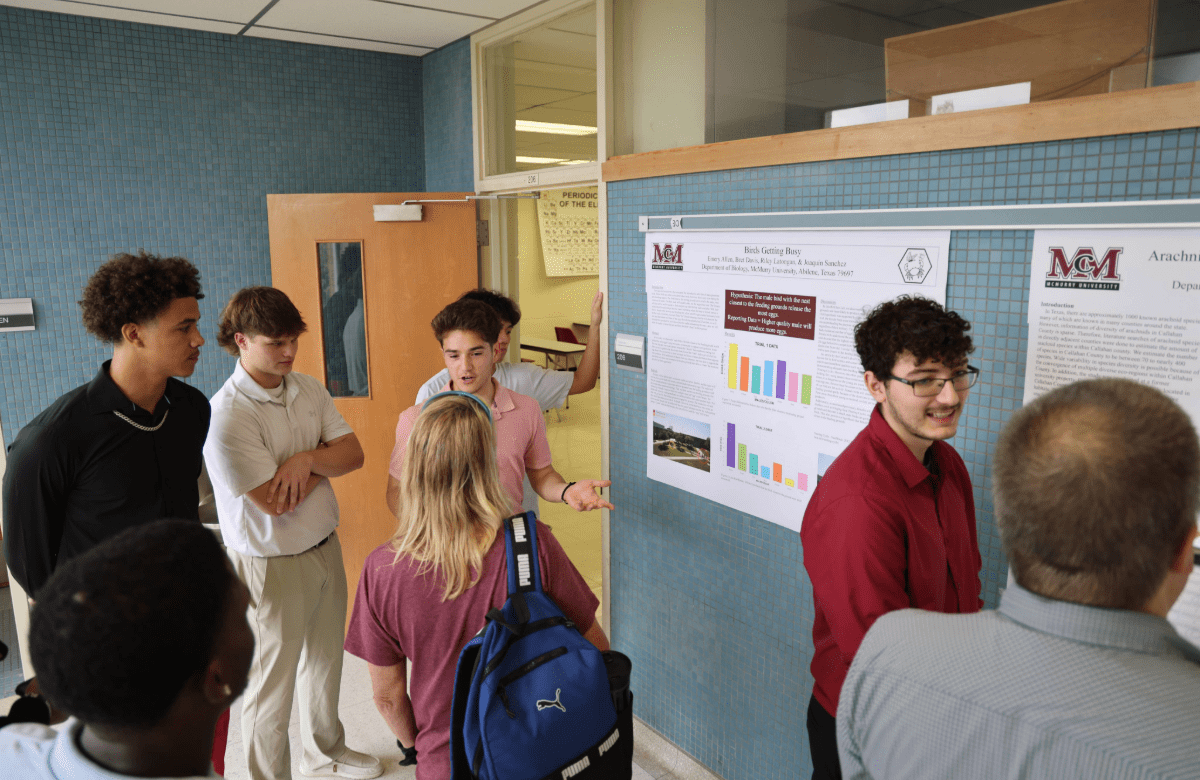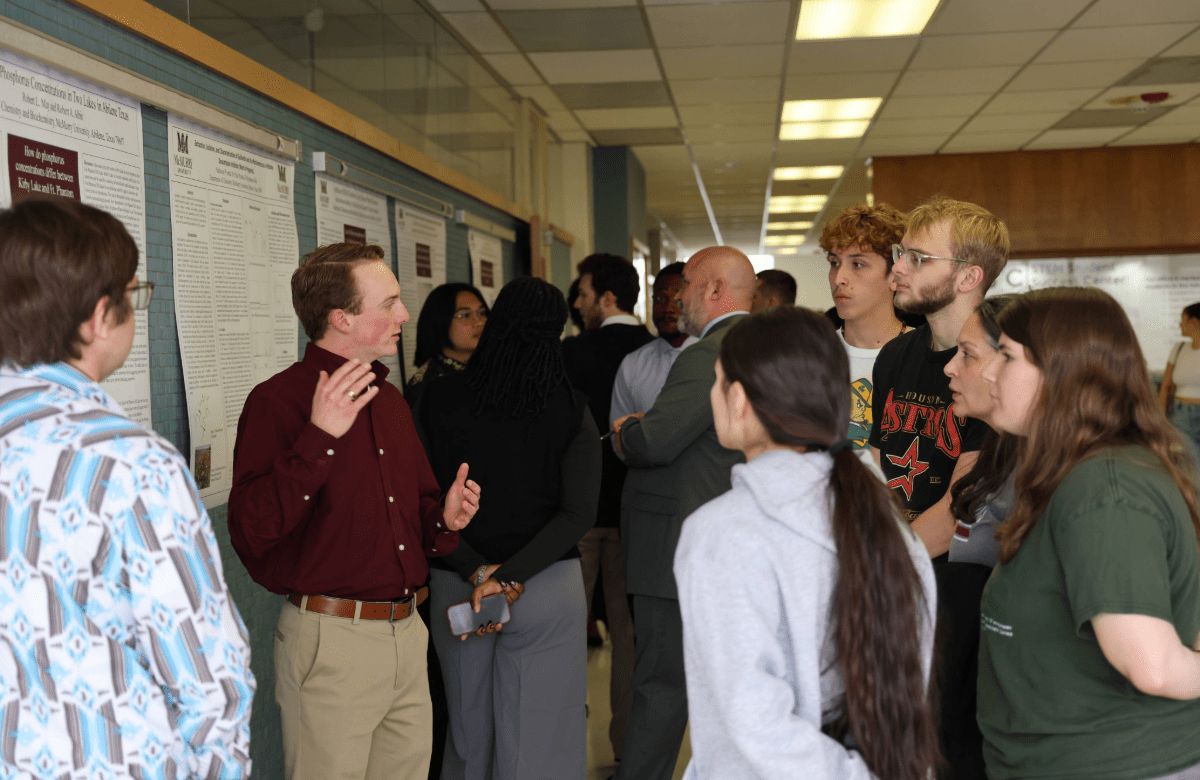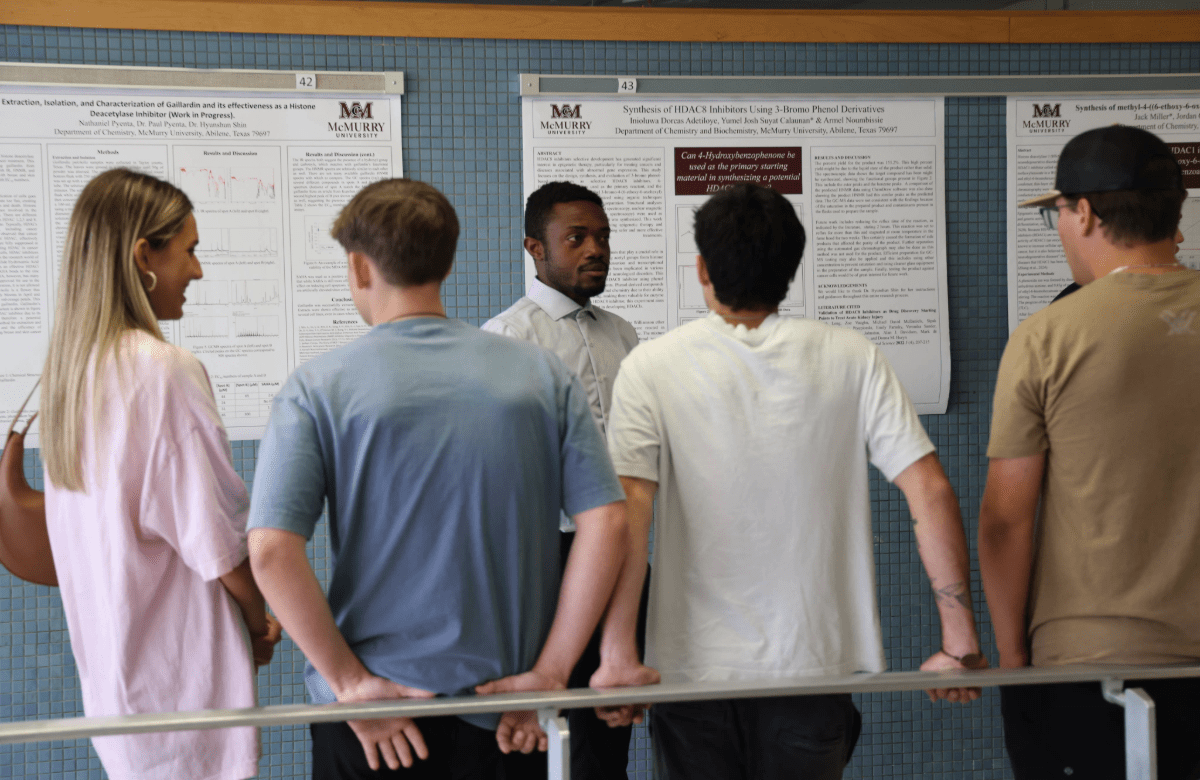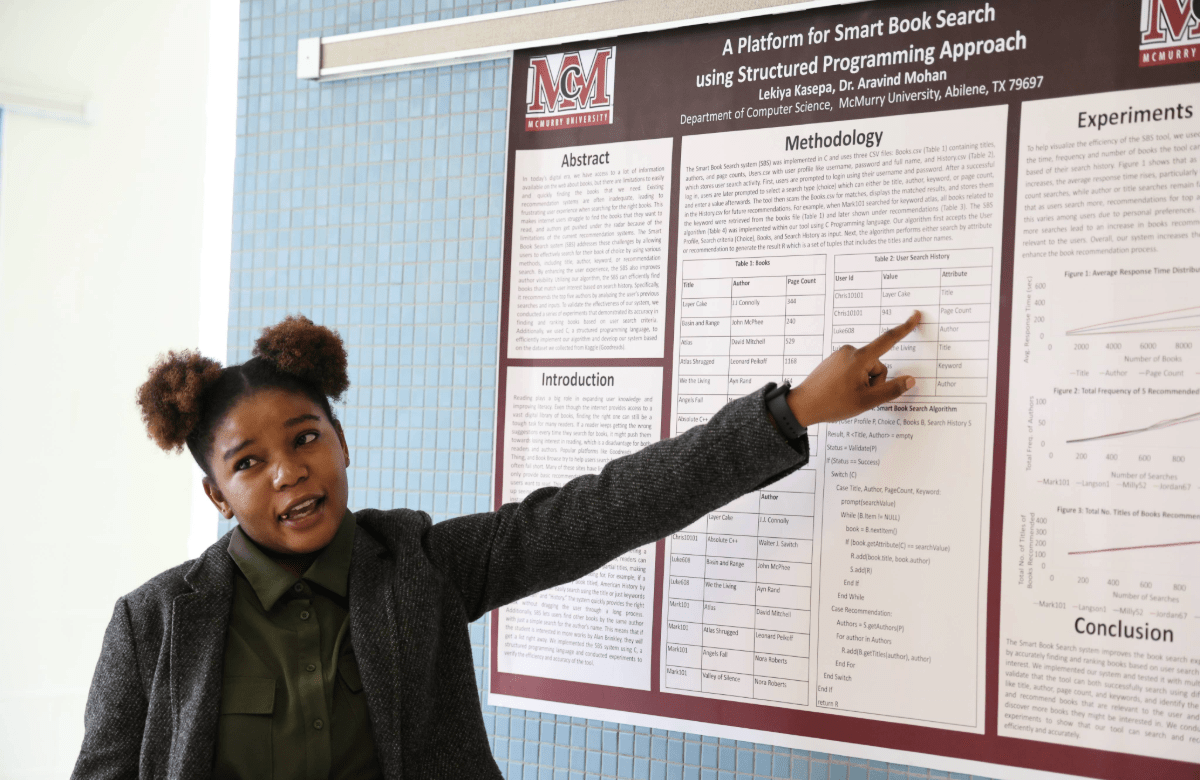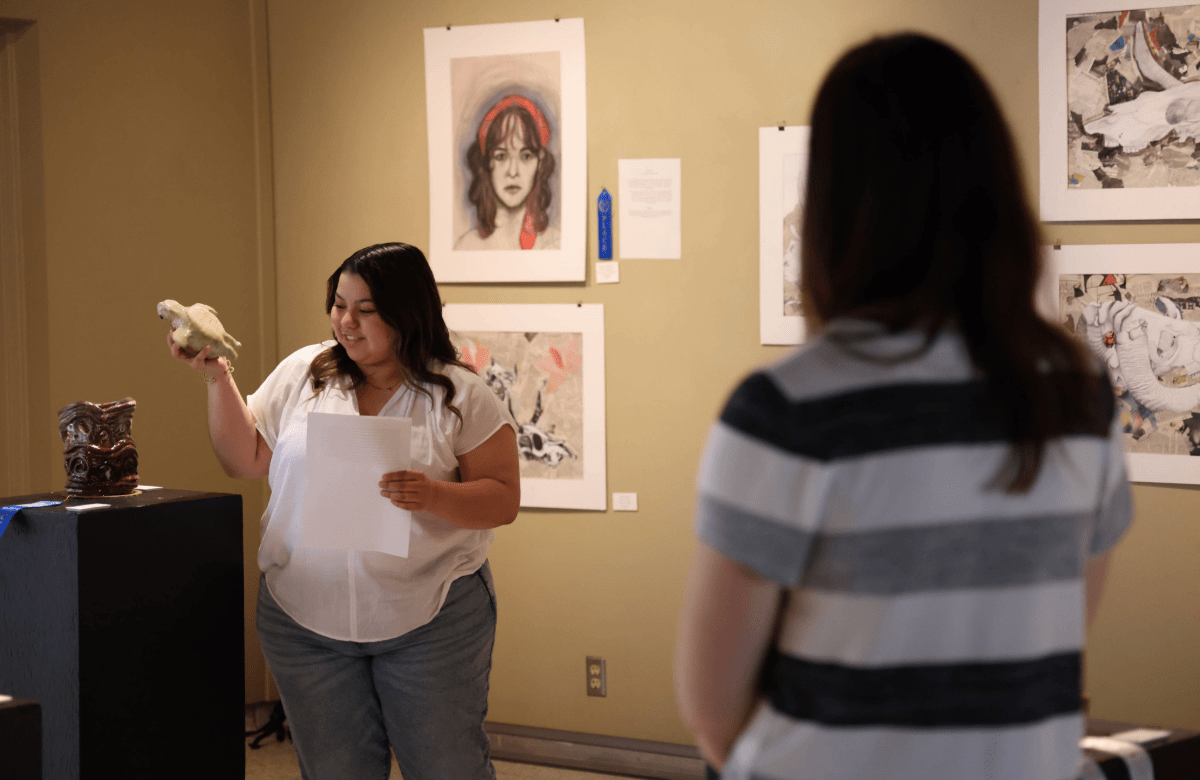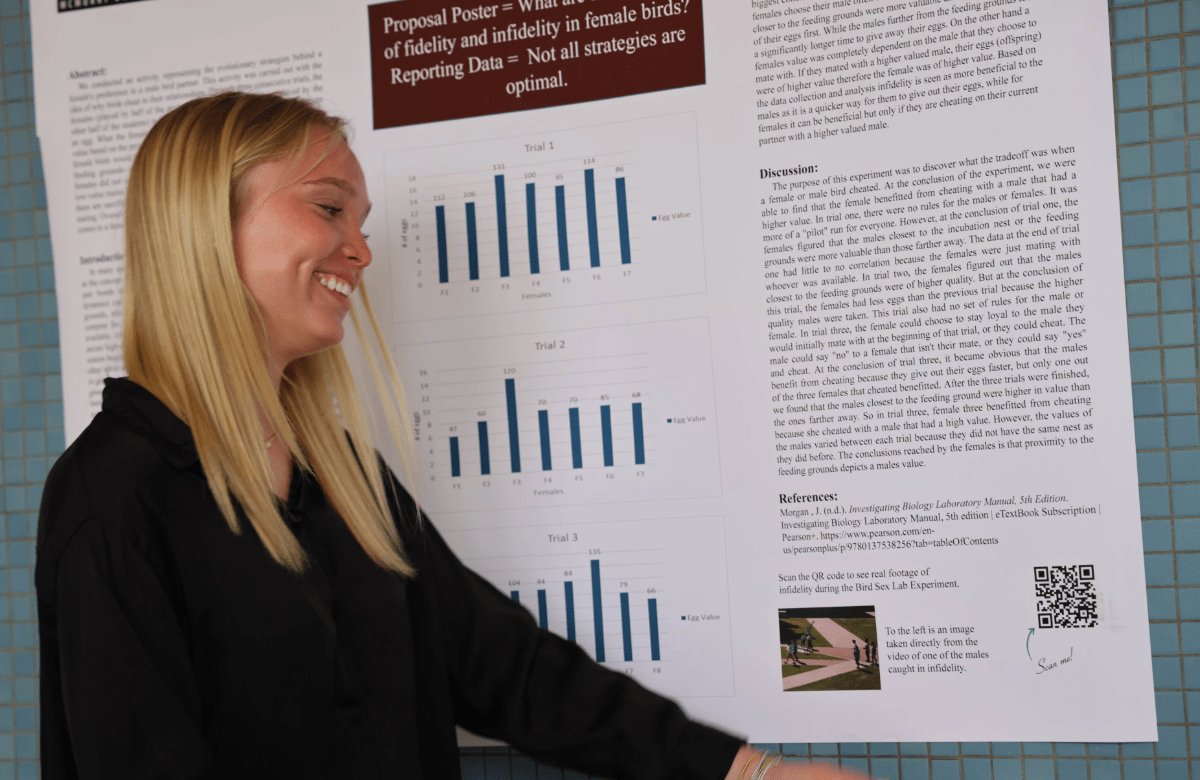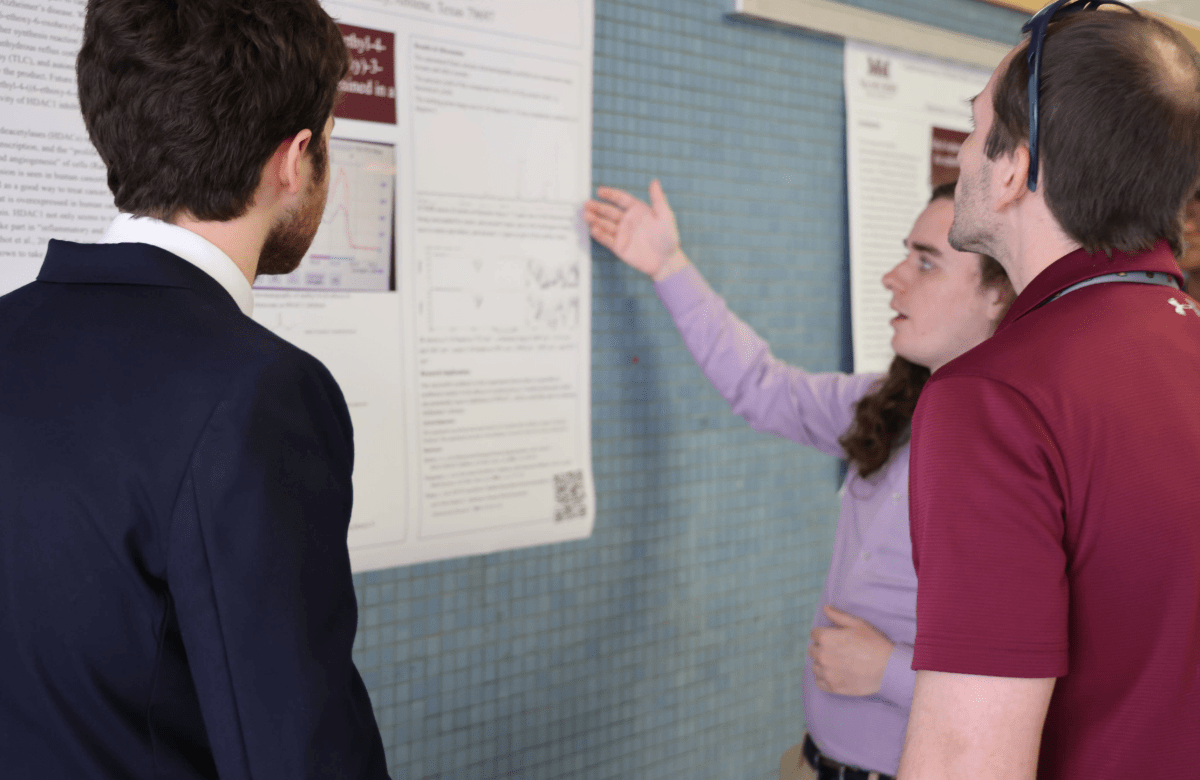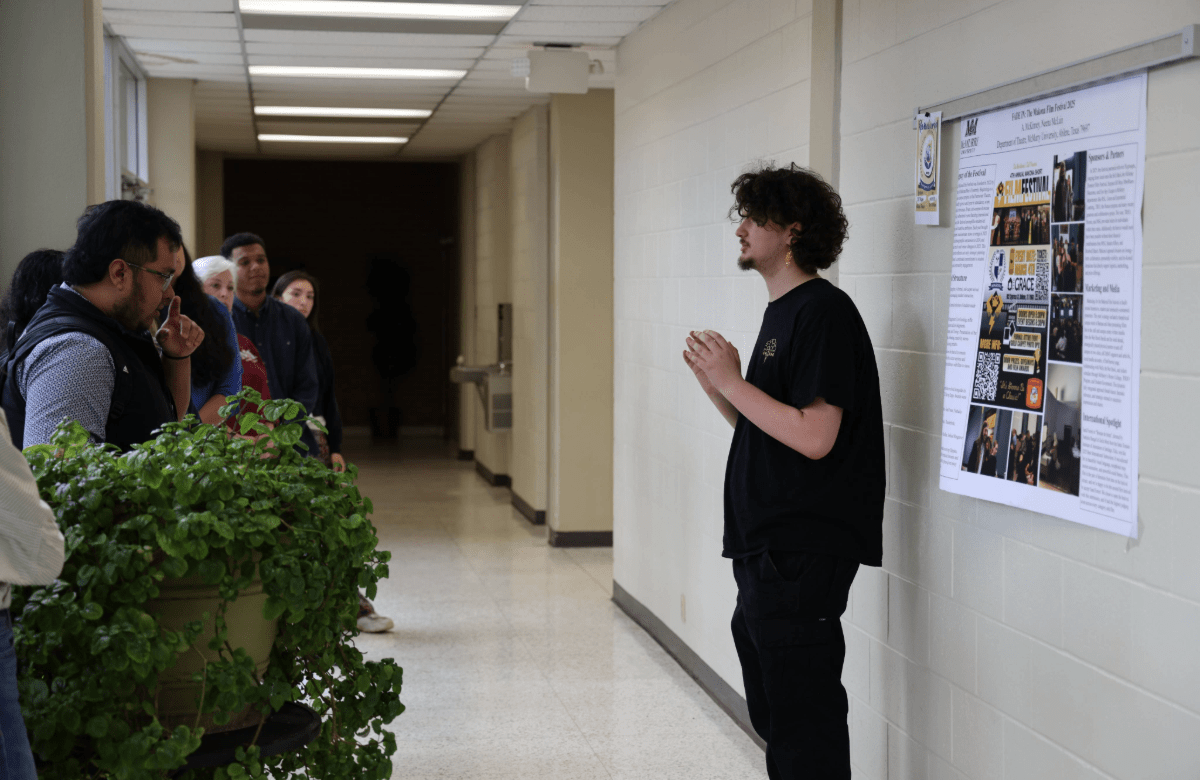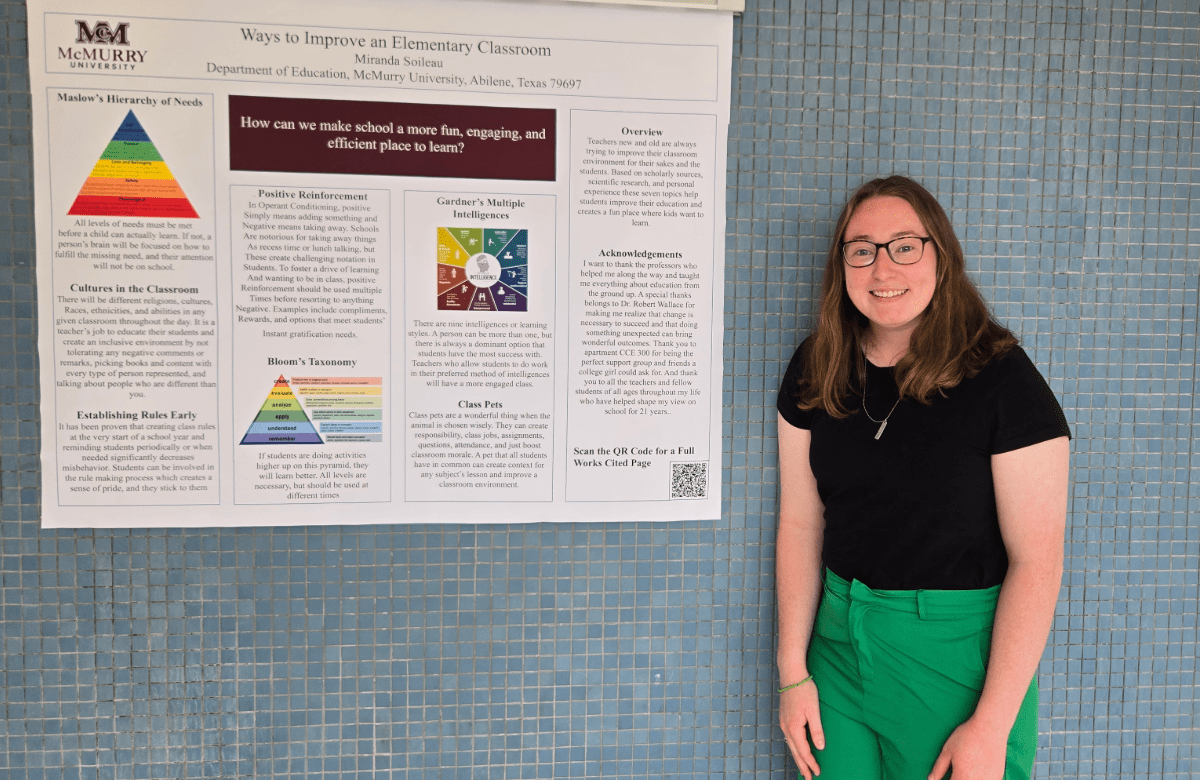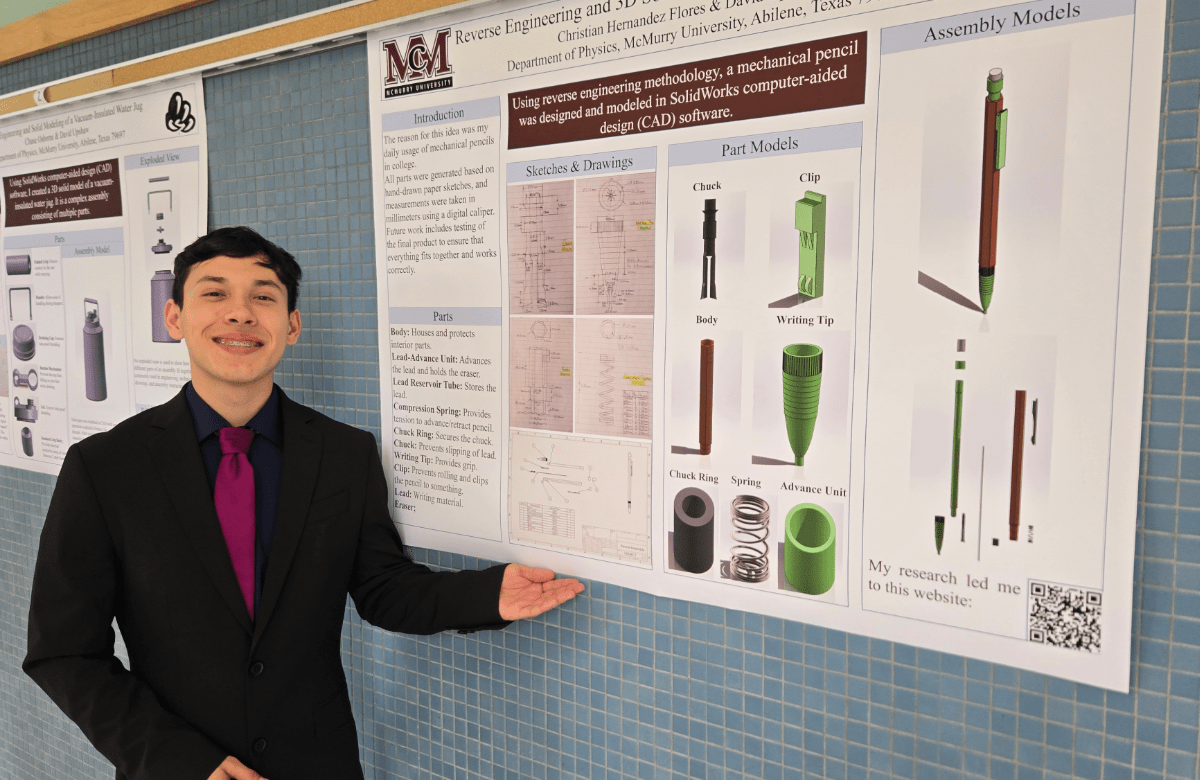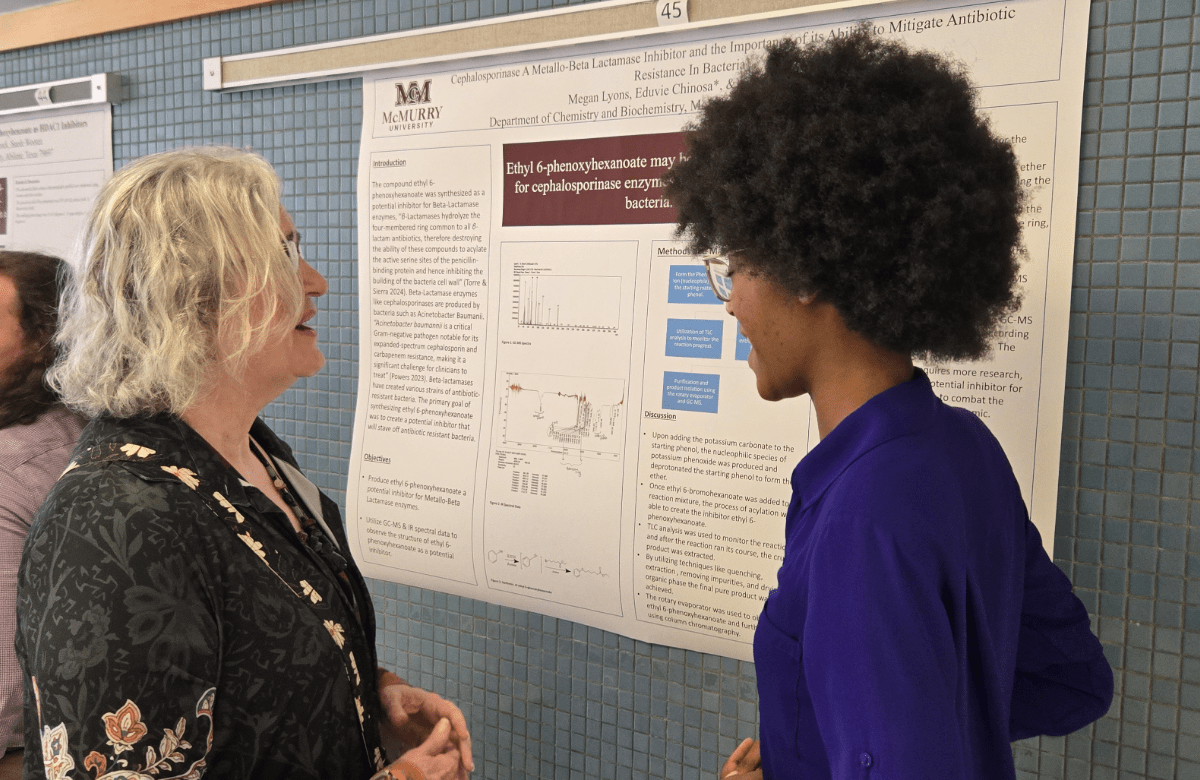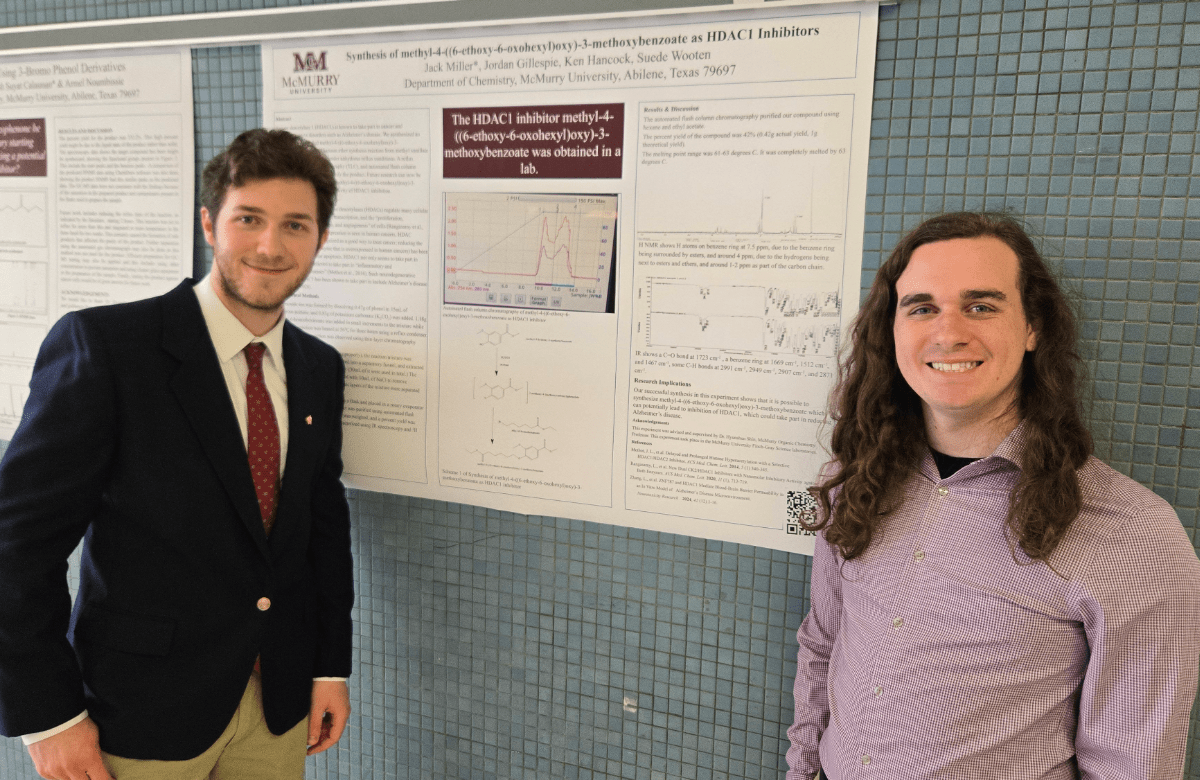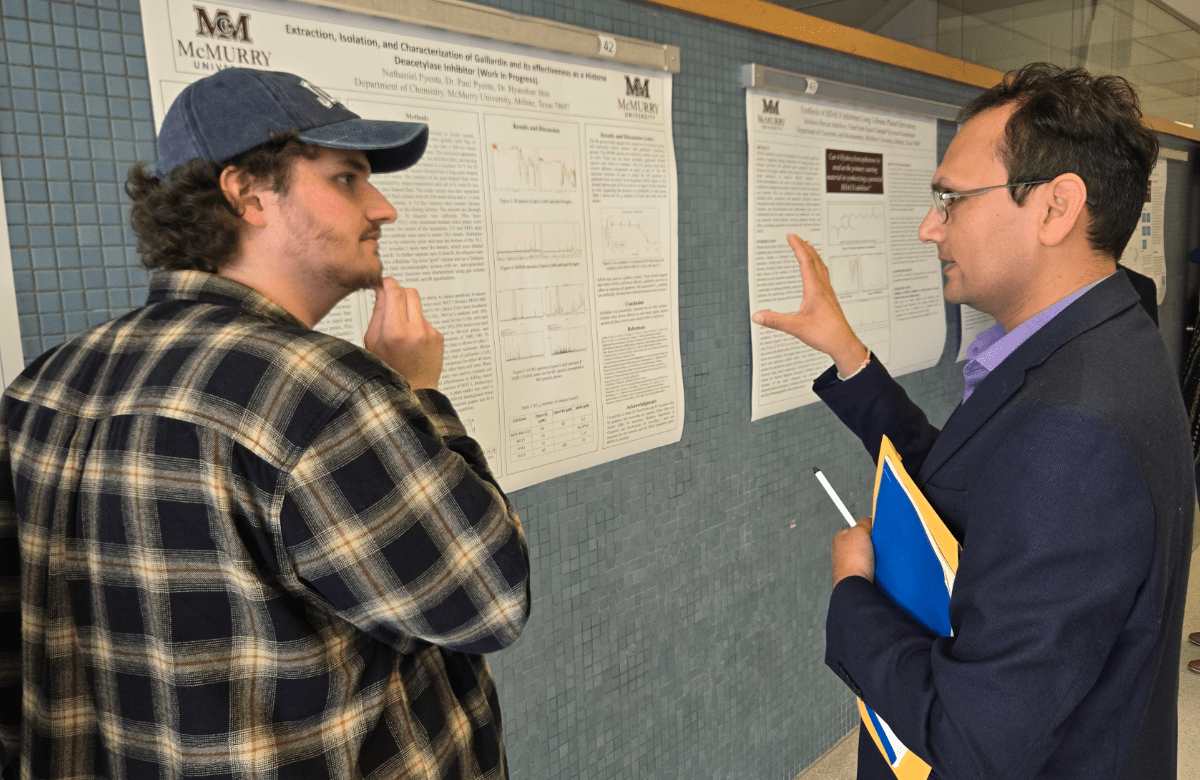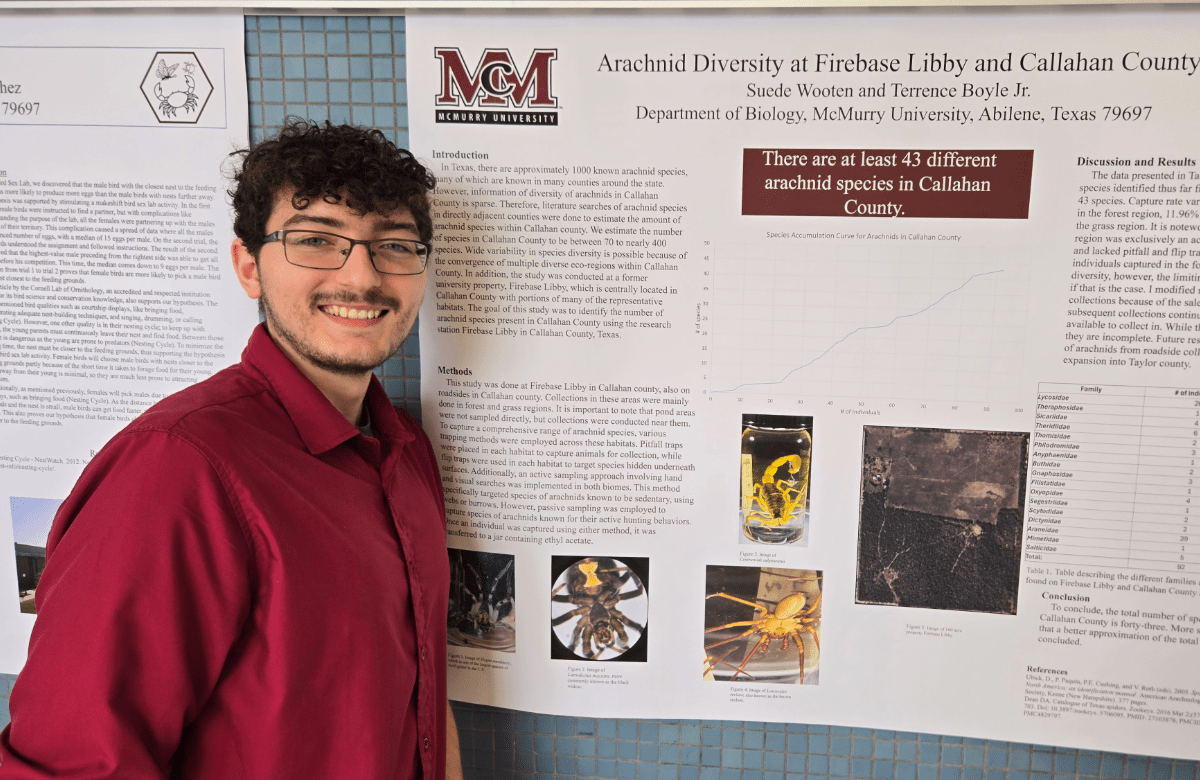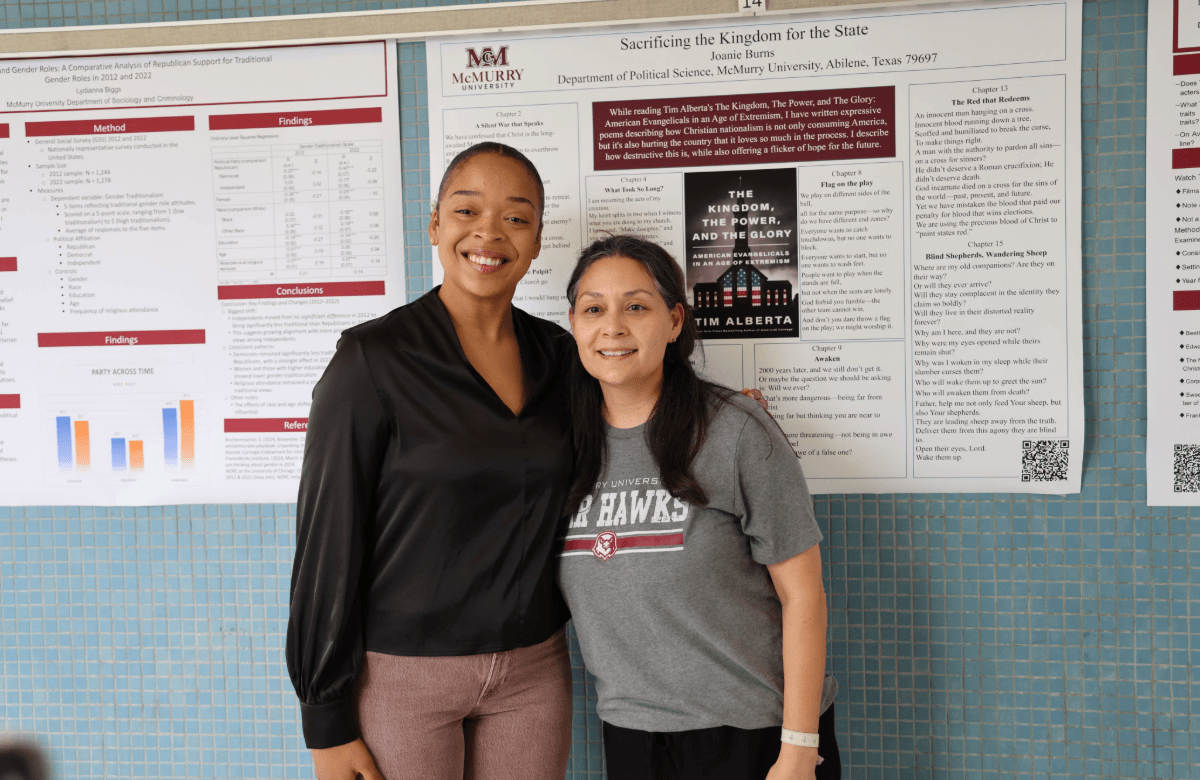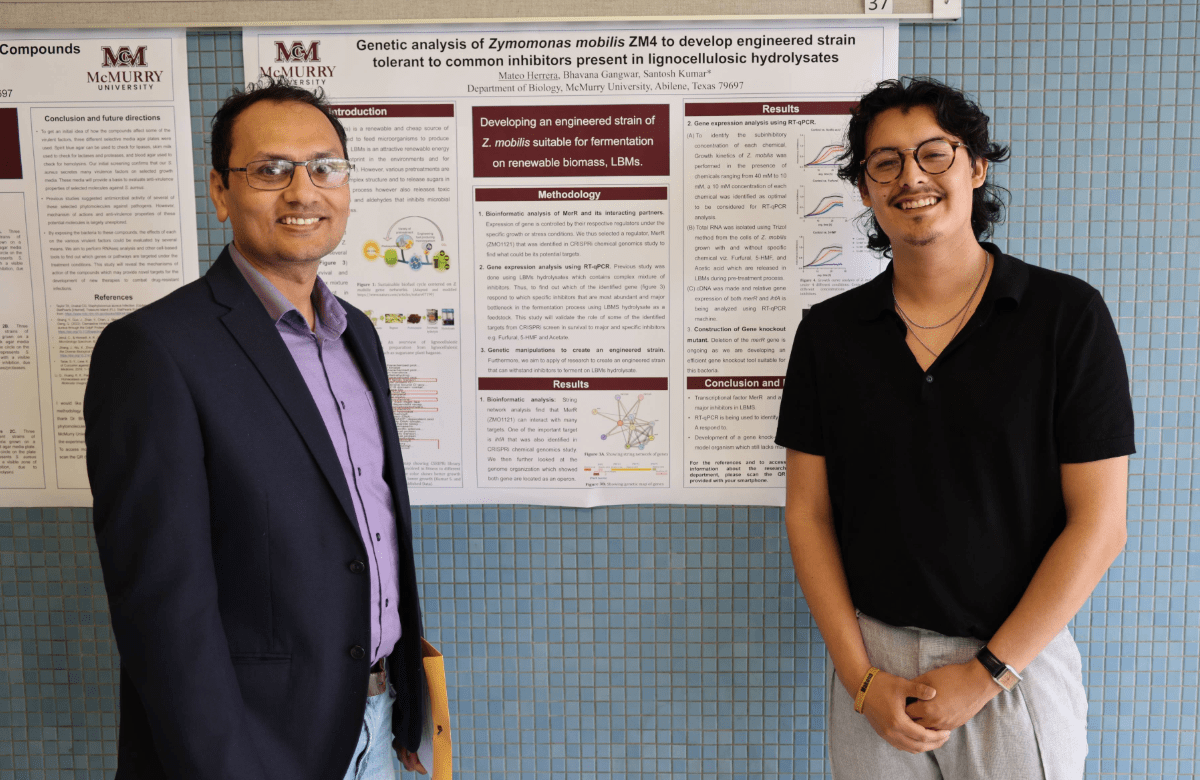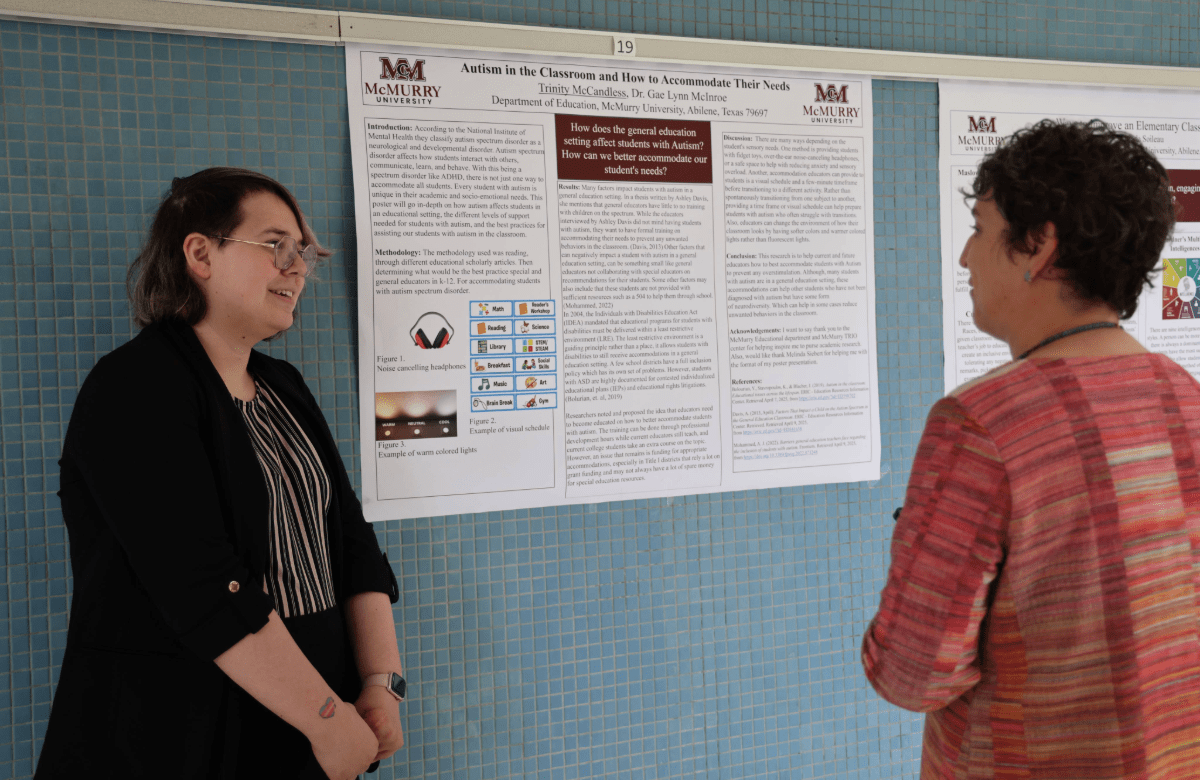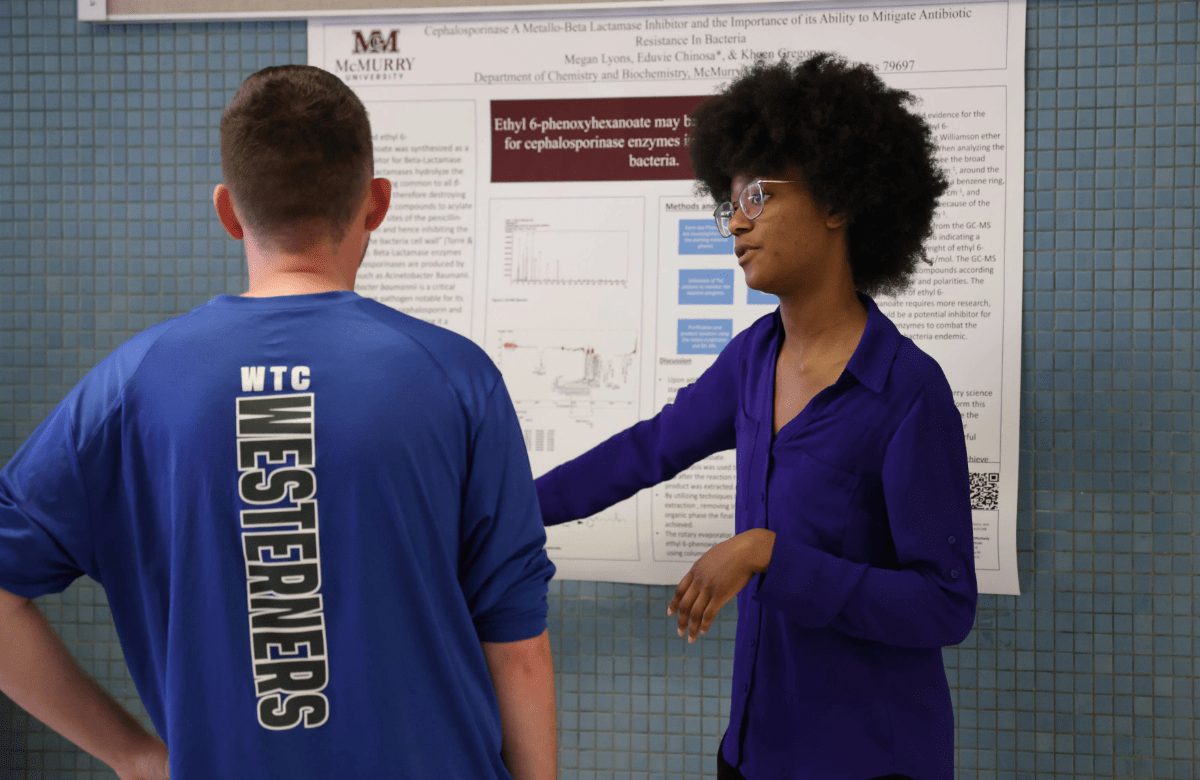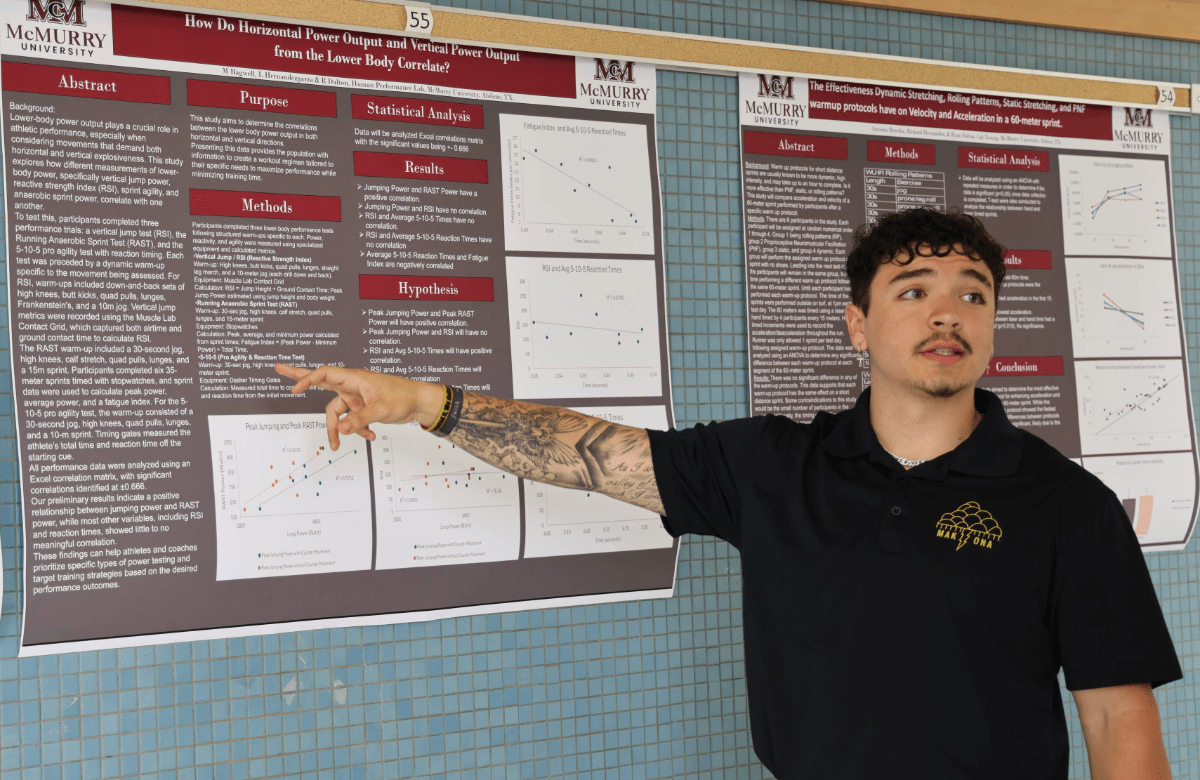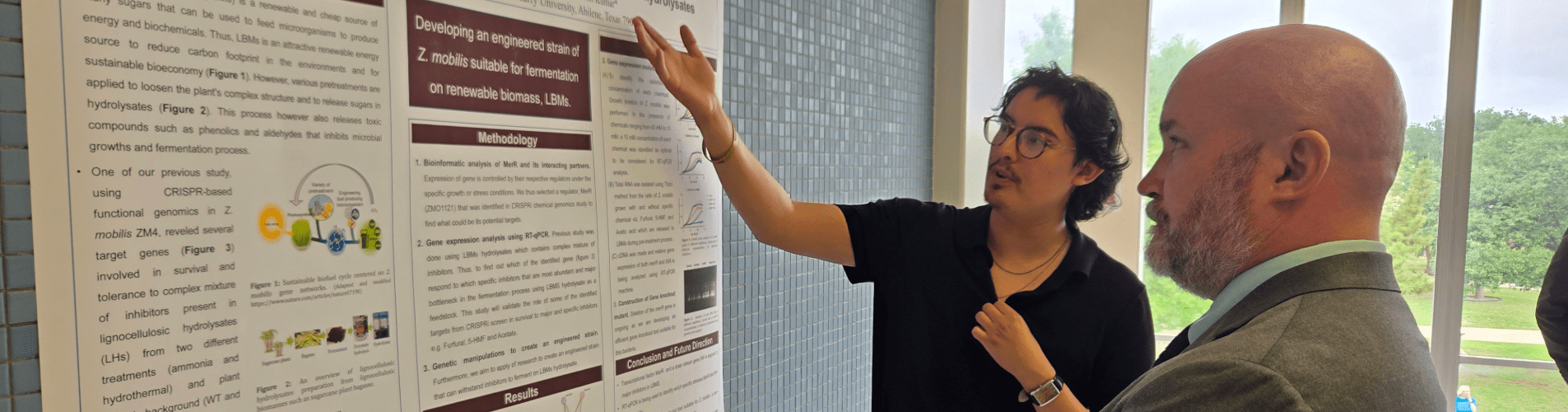
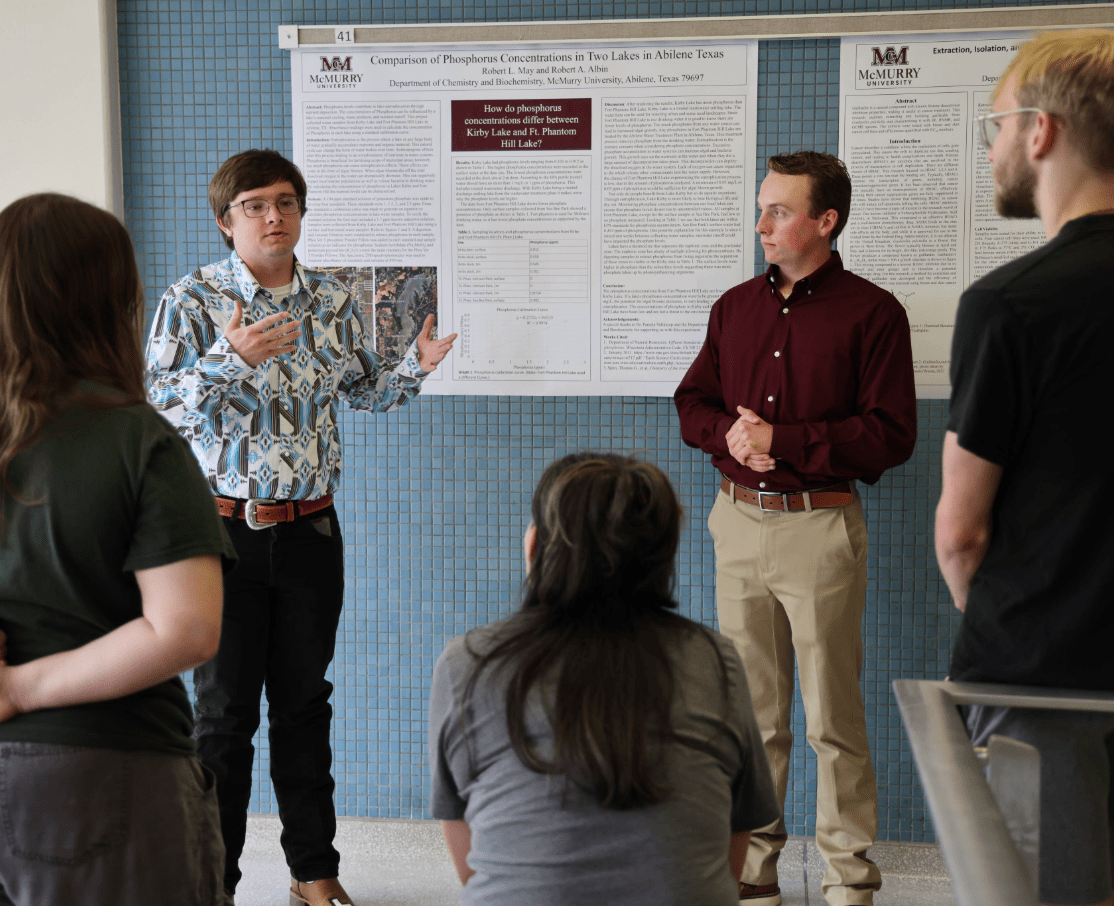
McMurry students participating in the annual Symposium

Student Research, Scholarship, and Creative Works Symposium

McMurry students sharing research and creative work during Symposium

About the Symposium

Each spring, McMurry University’s Symposium for Student Research, Scholarship, and Creative Works brings the campus community together to celebrate student achievement across every academic discipline. Regular classes are suspended to encourage students, faculty, staff, families, and guests to participate.

Students from all majors may present individual or group projects at any stage of development. Presentation formats include oral presentations, research posters, exhibits, music and theatre performances, film and animation, and the 3-Minute Thesis competition.

Symposium programming may include a keynote address, discipline-based presentation sessions, a plenary event, and a closing reception recognizing student presenters and their faculty mentors.

Presenter Resources

Symposium Presentation Guidelines

Select your presentation format below for requirements, preparation guidance, templates, and evaluation resources. Students should also follow the instructions provided by their faculty mentor and Symposium organizers.

Oral Presentations

Research talks, scholarly presentations, and Honors theses

Poster Presentations

Visual research displays and audience discussions

Creative Works

Music, theatre, film, animation, and visual media

3-Minute Thesis

A concise and engaging research competition

Oral Presentations

Standard Presentation

Presentation: 12 minutes

Questions and discussion: 3–5 minutes

Honors Thesis Presentation

Presentation: 30 minutes

Questions and discussion: 5–10 minutes

Time Cues

For standard presentations, the room moderator will stand when three minutes remain, provide another alert when one minute remains, and facilitate the question-and-answer period. Rehearse in advance to ensure your presentation stays within the scheduled time.

Presentation Setup

  • Bring your presentation on a USB flash drive.
  • Arrive at the assigned room at least 15 minutes before your session.
  • Provide your file to the room moderator for upload.
  • Plan to present from the computer available in the room.

Create an Engaging Presentation

  • Organize your presentation with a clear introduction, logical progression, and conclusion.
  • Keep slides clean and limit text to essential information.
  • Use readable type, consistent formatting, and purposeful visuals.
  • Use animations and interactive elements sparingly.
  • Practice your delivery and test the presentation before the Symposium.
  • Prepare for likely questions from the audience.

Templates and Evaluation Forms

Poster Presentations

Poster presentations communicate research or creative work through a clear visual display and a concise explanation. Presenters should remain near their posters during the scheduled poster session to discuss their work with visitors.

Preparing Your Poster

  • Build your poster in PowerPoint using one of the provided templates.
  • Organize the content so viewers can follow the project from the purpose through the findings to the conclusions.
  • Use concise text, clearly labeled visuals, and type that can be read from approximately four feet away.
  • Choose a professional title and avoid decorative elements that distract from the content.
  • Include a clear takeaway statement rather than ending with an unanswered question.
  • Carefully proofread the poster before submitting it for printing.

Presenting Your Work

  • Dress and communicate professionally.
  • Welcome visitors and begin with a brief overview of your project.
  • Prepare a one-minute explanation covering the purpose, approach, findings, and key takeaway.
  • Speak to your audience rather than reading directly from the poster.
  • When you do not know an answer, acknowledge the question and use it as an opportunity for discussion.

Poster Templates

Adding a QR Code

A QR code can connect viewers with videos, audio, extended citations, or other supporting materials that do not fit on the poster.

1. Upload

Save the supporting file in OneDrive.

2. Share

Create a view-only link that your intended audience can access.

3. Generate

Paste the link into a QR-code generator and save the code as a PNG.

4. Insert

Place the QR code in the designated area of the poster template and test it.

Music Performances

The Honors Recital recognizes outstanding student musicians selected through an impartial review process. Students prepare an audio recording of their repertoire in consultation with their applied lesson instructor and submit it to the Department of Music for consideration.

Recordings are anonymized before being reviewed by an adjudicator unaffiliated with McMurry. Selected performers receive additional instructions from the Department of Music regarding rehearsal, performance order, and event-day preparation.

3-Minute Thesis Competition

The 3-Minute Thesis competition challenges students to explain complex research clearly and engagingly within a limited time. Review the rules and judging overview before preparing your presentation.

Rules and Judging Overview

Presentation Examples

Theatre Performances

McMurry Playfest celebrates original student-written plays selected by the Theatre faculty. Student directors stage selected works with guidance and production support from the Theatre Department.

Submission Information

  • Submit original work that has not previously been produced.
  • The work should be a one-act play lasting 45–60 minutes.
  • Include the playwright’s name.
  • Include the director’s name when applicable.
  • Provide the anticipated cast size.

Creative Expression

McMurry supports thoughtful artistic exploration within the context of an American liberal arts and Christian university. Student works reflect creators’ perspectives and are reviewed and presented under the guidance of the Theatre faculty.

Film and Animation Presentations

Students may present short films, animated works, or other visual media projects. Presentations should introduce the project and help the audience understand its creative purpose, storytelling approach, or technical production methods.

  • Prepare the media file in a widely supported format.
  • Test video playback and audio before the presentation.
  • Bring a backup copy of the project.
  • Be prepared to discuss the concept, creative process, production techniques, and artistic goals.

Before Symposium Day

  • Confirm your presentation time and location.
  • Review the requirements for your presentation format.
  • Practice within the allotted time.
  • Proofread and test every presentation file.
  • Bring a backup copy of your materials.
  • Arrive early and follow instructions from your faculty mentor and session moderator.