



Brand Resources & Visual Identity

McMurry Logos
Athletics Logos
Division & School Logos
Digital Letterhead
Presentation Template
Brand Colors
Brand Typography
Campus Posting Guidelines

Vertical

Horizontal

Use white logo variants only on dark backgrounds.

McMurry War Hawks

Flying War Hawk

War Hawk Head

Use white athletic logo variants only on dark backgrounds.
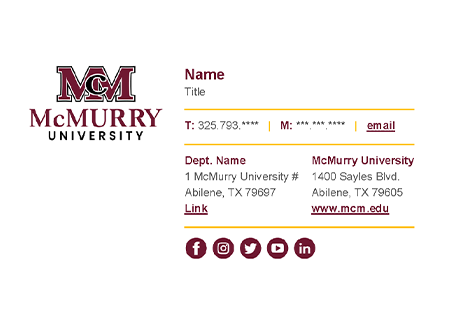
McMurry email signature template preview

Download Word Template

Open the official McMurry email signature template in Word, update your contact information, and copy it into Outlook.

Quick Setup

  1. Download and open the template in Word.
  2. Add your name, title, and contact information. Do not change colors or fonts.
  3. Copy the finished signature into Outlook.
View full Outlook steps.
  1. Open Outlook.
  2. Go to File > Options > Mail > Signatures.
  3. Click New to create a new signature.
  4. Name your signature.
  5. Paste the Word signature into the editing box.
  6. Select Save to apply your branded signature.

Use the electronic letterhead template for official McMurry communications intended for
non-printed, digital applications. After adding your body copy, save it as a PDF or Word document to share electronically.
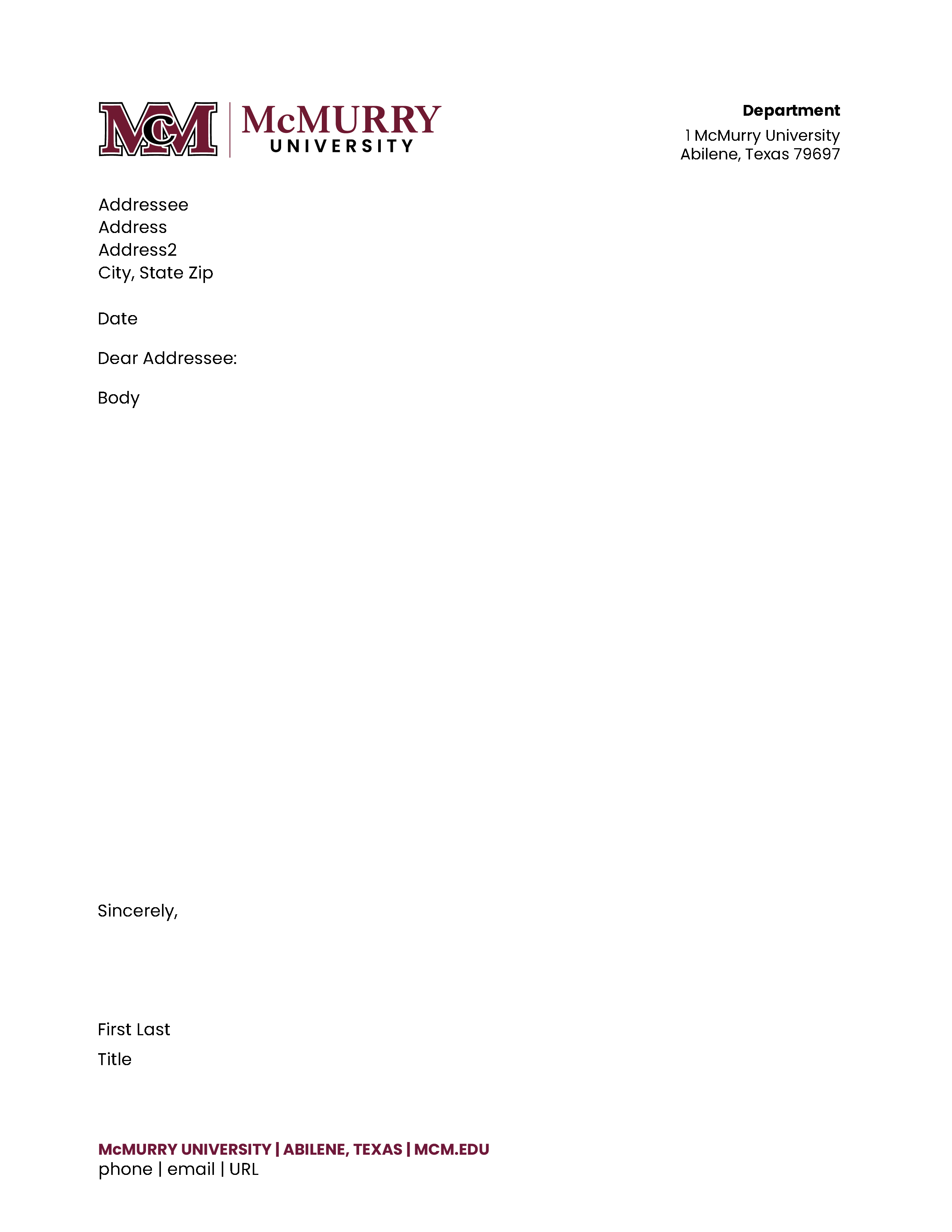
McMurry digital letterhead template preview

Download Digital Letterhead

Open the Word template, add your message, and save it as a PDF or DOCX for digital sharing.

↓ Download DOCX

Font Guidance

This template uses Poppins. Arial or Garamond may be used as substitute fonts when needed.

Important printed letterhead note

The electronic letterhead is not a replacement for the official printed McMurry letterhead.
Academic and administrative units should use official printed McMurry letterhead and envelopes for printed purposes.

Use the official McMurry PowerPoint template to create branded presentations with consistent university styling.


McMurry PowerPoint template title slide preview
McMurry PowerPoint template content slide preview

Download PowerPoint Template

Includes branded slide layouts for official McMurry presentations.

Usage Tip

Keep the approved fonts, colors, and slide structure intact to maintain brand consistency.

Use the official McMurry color palette to maintain a consistent brand across digital and print materials.

Primary Colors

McMurry Maroon

Pantone: PMS 7421C
CMYK: C36 / M96 / Y65 / K43
RGB: R111 / G24 / B49
HEX: #6F1830

Black

Pantone: PMS Black
CMYK: C0 / M0 / Y0 / K100
RGB: R0 / G0 / B0
HEX: #000000

Light Gray

Pantone: PMS 663C
CMYK: C3 / M2 / Y2 / K0
RGB: R244 / G244 / B244
HEX: #F5F5F5

White

Pantone: PMS 000C
CMYK: C0 / M0 / Y0 / K0
RGB: R255 / G255 / B255
HEX: #FFFFFF

Accent Colors

Dark Maroon

Pantone: PMS 4102C
CMYK: C40 / M93 / Y68 / K59
RGB: R86 / G12 / B36
HEX: #560C20

Gold

Pantone: PMS 132C
CMYK: C32 / M55 / Y100 / K16
RGB: R159 / G108 / B2
HEX: #9F6C02

Warm Gold

Pantone: PMS 7551C
CMYK: C26 / M52 / Y100 / K8
RGB: R180 / G124 / B43
HEX: #B57A04

Teal

Pantone: PMS 315C
CMYK: C91 / M49 / Y39 / K13
RGB: R9 / G102 / B124
HEX: #09667C

Use McMurry’s approved typography to keep university communications consistent, readable, and aligned with the brand.

Aa

Poppins

Use for headlines, buttons, navigation, callouts, and digital layouts.

Primary sans-serif

Brand Standards & Visual Identity

Aa

Garamond

Use for formal, editorial, or traditional university communications.

Secondary serif

Official university communications

Aa

Steinfeld

Use occasionally for special branded moments, display graphics, or campaign accents.

Display accent

McMurry University

Font Guidance

Use Poppins as the primary sans-serif, Garamond for formal or editorial applications, and Steinfeld sparingly as a display accent. When Poppins is unavailable, use Arial as a substitute.

Review the regulations for posting printed publicity on campus bulletin boards, including signs, flyers, posters, notices, and advertisements.

📌

Campus Posting Guidelines

Learn what can be posted, where materials may be displayed, and how to stay aligned with university standards.

Why it matters

These guidelines help posted materials comply with university standards and support a clean, organized campus environment.

Common posting materials
  • Signs
  • Flyers
  • Posters
  • Notices
  • Advertisements

Strategic Communications & Marketing Staff

Connect with the marketing team for brand, web, design, communications, and digital media support.

Contact Information

Phone: 325-793-4605

Location: Old Main | Rm 106

Mrs.
Katelyn Scott '97 Associate Vice President of Strategic Communications and Marketing
Brand Resources
Marketing Request Form
Mrs.
Leah Bennett Director of Integrated Communications
Brand Resources
Marketing Request Form
Mr.
Abraham Salazar '21 Web Manager
Brand Resources
Marketing Request Form
Ms.
Juliana Fabrizio '20 Integrated Communications Coordinator
Brand Resources
Marketing Request Form
Mr.
Jonathan Ramirez Digital Content Coordinator
Brand Resources
Marketing Request Form
Mrs.
Cameo Splain '21 Multimedia Graphic Coordinator
Brand Resources
Marketing Request Form